
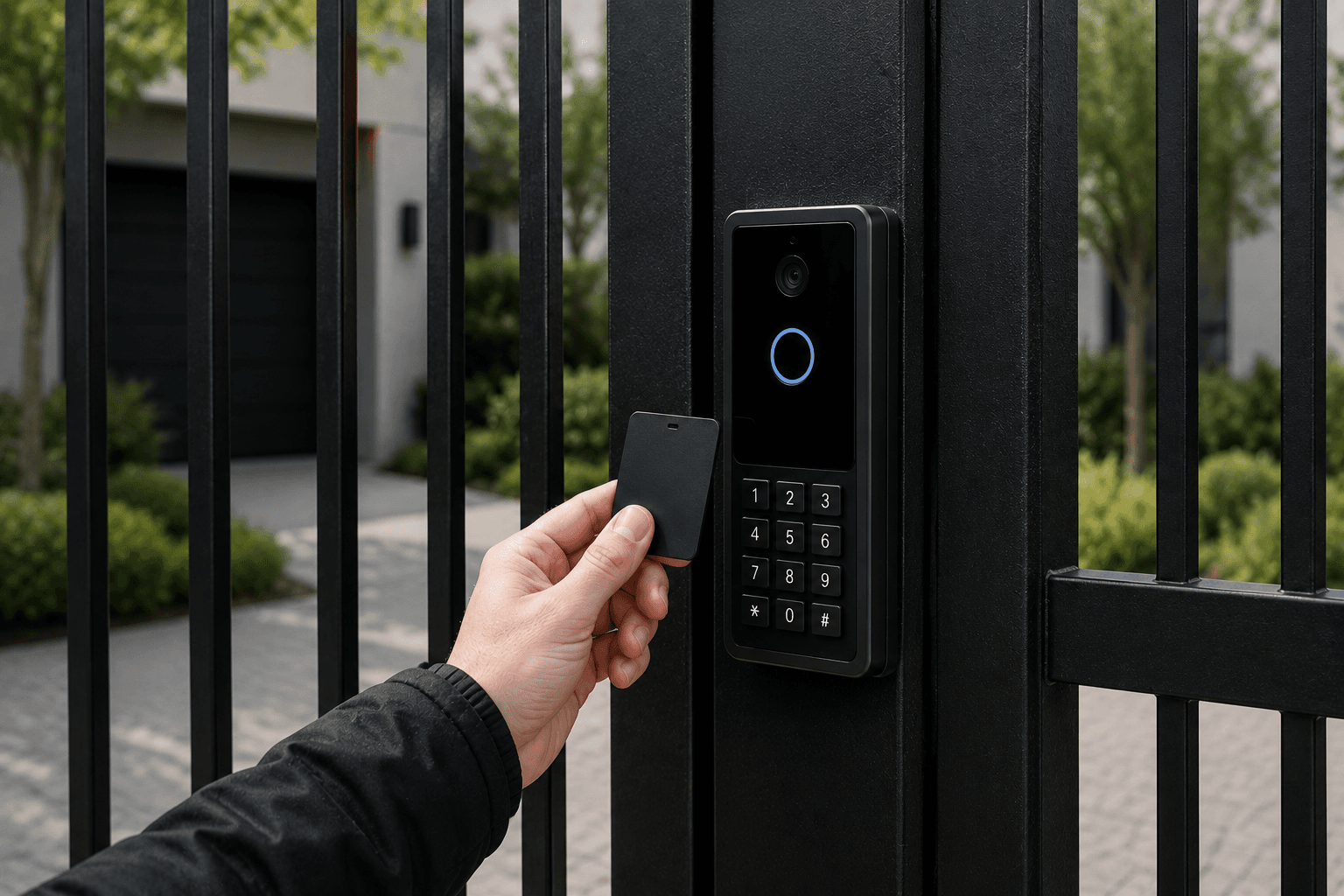
An introduction to app-based access and compatible Bluetooth receivers.
Why your smartphone is your access key to a more secure and streamlined lifestyle
The Egyptians came up with the first wooden lock and key system around 6000 years ago, followed by the Romans who produced the first metal locking systems; but fast-forward to today’s Internet of Things (IoT) and you will discover how digital intelligence gives us the ability to transform physical objects, such as your smartphone, into a continuously connected device to control physical access and communicate digital information remotely and securely.
Why is this important? If you have ever lost that ‘one’ key or had to search frantically for a missing remote so you could get out your own gate, then you will realise how compromising and inflexible key or card access can be.
Instead of issuing another physical remote, a compatible mobile access system can use a smartphone’s Bluetooth capability to communicate with a nearby receiver installed for the home or office entrance.
How does it work? Access control traditionally authenticates a person wanting access through three variables.
- It recognises something the person has such as a Radio-Frequency Identification (RFID) tag, card or a key
- It recognises something the person knows such as a personal PIN
- It recognises something that the person is, as in biometrics
A smartphone may support a screen lock, biometrics and account authentication, but that does not mean every app action uses all three authentication factors. The security of an access system depends on the product’s implementation as well as the phone, account and way permissions are managed.
What must I do? Download the Bluelock app to your smartphone and connect with the Bluelock receiver, and you have a personalised, built-in security access solution that puts the power in your hands - quite literally - because if we are honest, our mobile phones have become the extension of our arms.
For compatible electrically controlled entrances, the app can provide an authorised access action while the phone and receiver are within reliable Bluetooth range. This does not establish a particular encryption implementation, fixed distance or support for every key, remote, tag or entrance.
Current Bluelock information describes app-based sharing and permission management. Confirm the supported user limits, time controls, administrator roles and current workflow before relying on those functions for a home or business.
A business should confirm which entrances and users the current product supports. Where event history is available, it records access activity rather than continuous employee movement and should not be treated as a timesheet without a separate, appropriate process.
Managed app-based access can reduce the number of physical credentials a person carries. It is not a universal remote: compatibility, phone support, wireless conditions and the connected equipment must all be checked for each entrance.
Before changing a home or business access system, review the compatibility guidance and contact Bluelock if the existing equipment or required workflow is uncertain.