
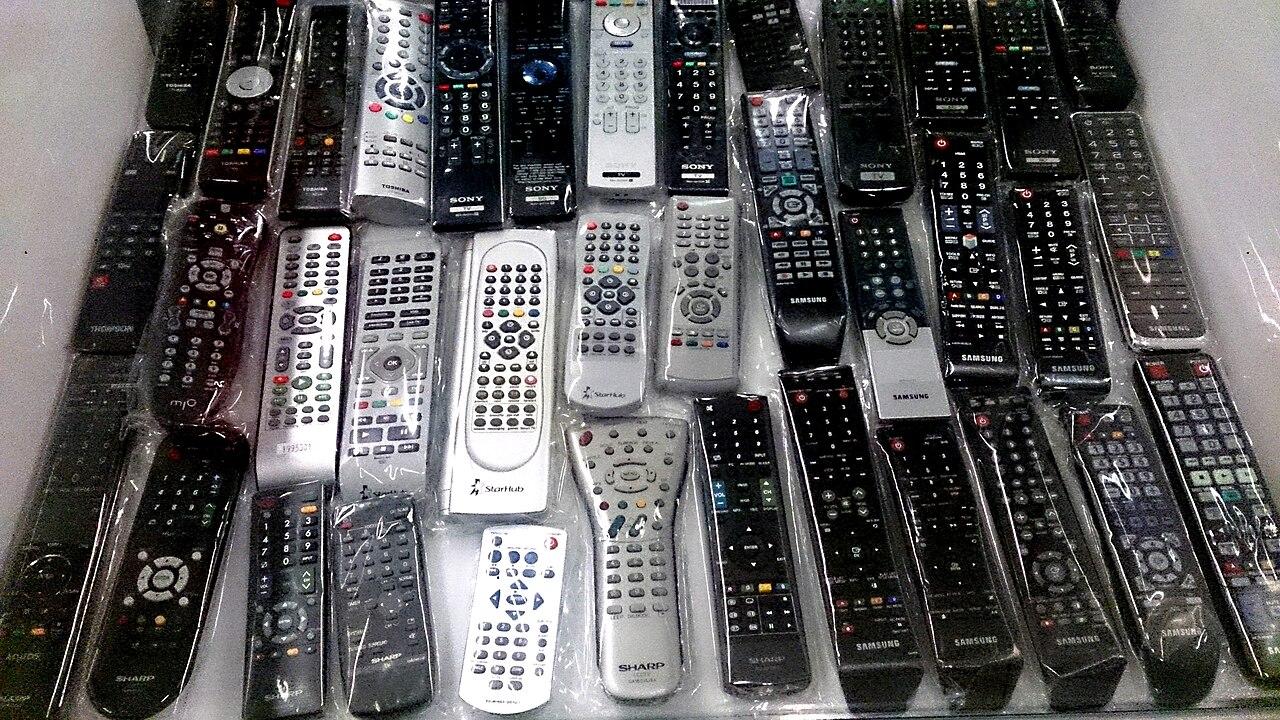
Compare the practical trade-offs between phone-based access and traditional remotes.
Neither smartphone access nor a traditional gate remote is automatically the better choice. A remote is simple, familiar and dedicated to one job; a smartphone can make access easier to administer for people who already carry a phone. The right option depends on the gate equipment, the users and how the household wants to handle lost devices, visitors and power problems.
How the two access methods work
Traditional radio-frequency remotes
A conventional gate remote is a small radio transmitter. When its button is pressed, it sends a coded radio-frequency signal to a receiver connected to the gate controller. If the receiver recognises the signal, it provides the controller with an opening command. The controller and motor then operate the gate according to their settings and safety inputs.
Smartphone-based access
Smartphone access adds a mobile app and a compatible control interface. In a local Bluetooth arrangement, an authorised phone communicates with a receiver near the entrance. The receiver then supplies a suitable trigger to the existing gate controller. The phone does not power the motor, assess an obstruction or physically move the gate.
For Bluelock, the verified model is a mobile app communicating over Bluetooth with a Bluelock receiver connected to compatible electrically controlled equipment. Compatibility is not universal, so the motor, controller, trigger input and installation should be checked on the Bluelock compatibility page before a decision is made.
Convenience in everyday use
A physical remote can be quicker when approaching a gate in a vehicle: it is easy to identify by touch and does not present notifications, screen locks or app navigation. It can also remain in a regular driver’s car. The disadvantage is that residents may end up carrying several remotes, and a device left in a vehicle can be taken with it.
A smartphone is already carried by many people and can reduce the need for another physical device. It may be particularly useful for someone who moves between several compatible entrances or whose access is administered digitally. However, unlocking a phone and opening an app may be less convenient in poor weather, while driving or when the handset is flat. Users should stop safely before interacting with a phone.
Sharing access with other people
Giving someone a remote is straightforward but transfers possession of a working credential. A family member may keep it for years; a contractor may forget to return it; and the owner may not know who currently holds every unit. Short visits can therefore create a disproportionate collection problem.
A smartphone system can make sharing more manageable if the specific product supports user invitations, time limits and removal. Bluelock’s public product explanation currently describes app-based sharing and removal for authorised users, but prospective users should confirm the current workflow, limits and connectivity requirements before relying on them. These capabilities should not be assumed for every smartphone gate product. A visitor without a suitable phone or app still needs a practical entry arrangement.
If a remote or phone is lost
A missing remote should be treated as a missing key. Record which remote was lost, identify the affected receiver and ask the installer how that credential can be disabled. The response depends on the receiver: deleting one remote may be possible, while older equipment may require a broader reprogramming process. Do not assume that buying another remote cancels the missing one.
With a lost smartphone, protect the handset through its screen lock and the platform’s approved lost-device tools, then notify the access administrator. Product-specific account recovery and permission removal must follow current support guidance. Removing an app, changing a SIM or replacing a phone does not by itself prove that every access permission has been dealt with. For Bluelock-specific assistance, use the support page or contact Bluelock.
Costs, replacements and maintenance
Remote costs include the transmitters, programming and replacements after loss or damage. Batteries eventually need changing, and older models can become harder to source. Smartphone access can reduce the number of physical remotes issued, but it introduces the cost of the receiver, installation, supported phones and ongoing administration. Pricing varies, so compare current quotations rather than assuming one method is always cheaper.
Power, connectivity and operating limits
Neither method overcomes a gate-motor fault or exhausted backup battery. During South African power interruptions, the relevant question is whether the whole gate installation can operate safely, not merely whether a remote transmits or a phone still has charge. Ask the installer how the controller, receiver and motor are powered and what approved fallback applies.
Radio performance depends on the devices and surroundings. Metal, walls, vehicles, receiver placement and interference can affect both traditional remote and Bluetooth communication. The Bluetooth SIG’s range guidance explains why environment and device design influence reliable range; no fixed Bluetooth distance should be promised for every property.
Security depends on management as well as technology
For smartphone access, protect phones with a screen lock, keep supported software current, avoid shared account credentials and review users when their need ends. NIST’s updated Bluetooth security guidance describes Bluetooth security as an implementation and configuration matter, not an automatic property of the word “Bluetooth”. Buyers should ask a supplier about the current product’s access, pairing, update and recovery processes rather than inferring protections.
South African household and complex examples
A household with two regular drivers may value the simplicity of keeping existing remotes in their vehicles while adding app access for an adult child who visits occasionally. A rental owner may prefer an administrable option for an approved tenant, provided ownership of the account and the handover process are clearly documented.
In a residential complex, the choice affects more than one resident. A body corporate or homeowners’ association should consider who approves users, who pays for receivers and support, how contractors enter, and what happens when a resident moves out. Nobody should connect a personal interface to common-property gate equipment without authority. High user numbers may also make remote inventory or digital administration more demanding, depending on the chosen system.
Can smartphones and remotes coexist?
They sometimes can. An added control interface may use a suitable input while the existing radio receiver continues serving conventional remotes. This mixed approach can preserve a familiar option while offering managed app access to selected users. It depends on the controller, available inputs and installation, so coexistence must be confirmed rather than assumed. The receiver instructions and gate documentation should be reviewed by someone who understands the equipment.
Which approach fits which household?
Traditional remotes may suit a small, stable household that values a dedicated button and rarely changes users. Smartphone access may suit a property that regularly adds or removes authorised people and wants documented app-based administration. A combined arrangement may suit households with different user preferences or a complex introducing digital access gradually.
Before choosing, list every regular and occasional user, the existing gate equipment, the process for lost credentials and the fallback during power or device failure. Then compare verified capabilities, installation requirements and current costs. The best choice is the one the property can operate responsibly every day, not the one with the most impressive label.