
Practical account-security advice on passwords and multi-factor authentication.
Two-Factor Authentication
In a world of passwords and usernames and big corporate leaks, it’s quite important to have your accounts secured and safe no matter what. So here are some quick password and account safety tips to do just that!
If it's there, use it!
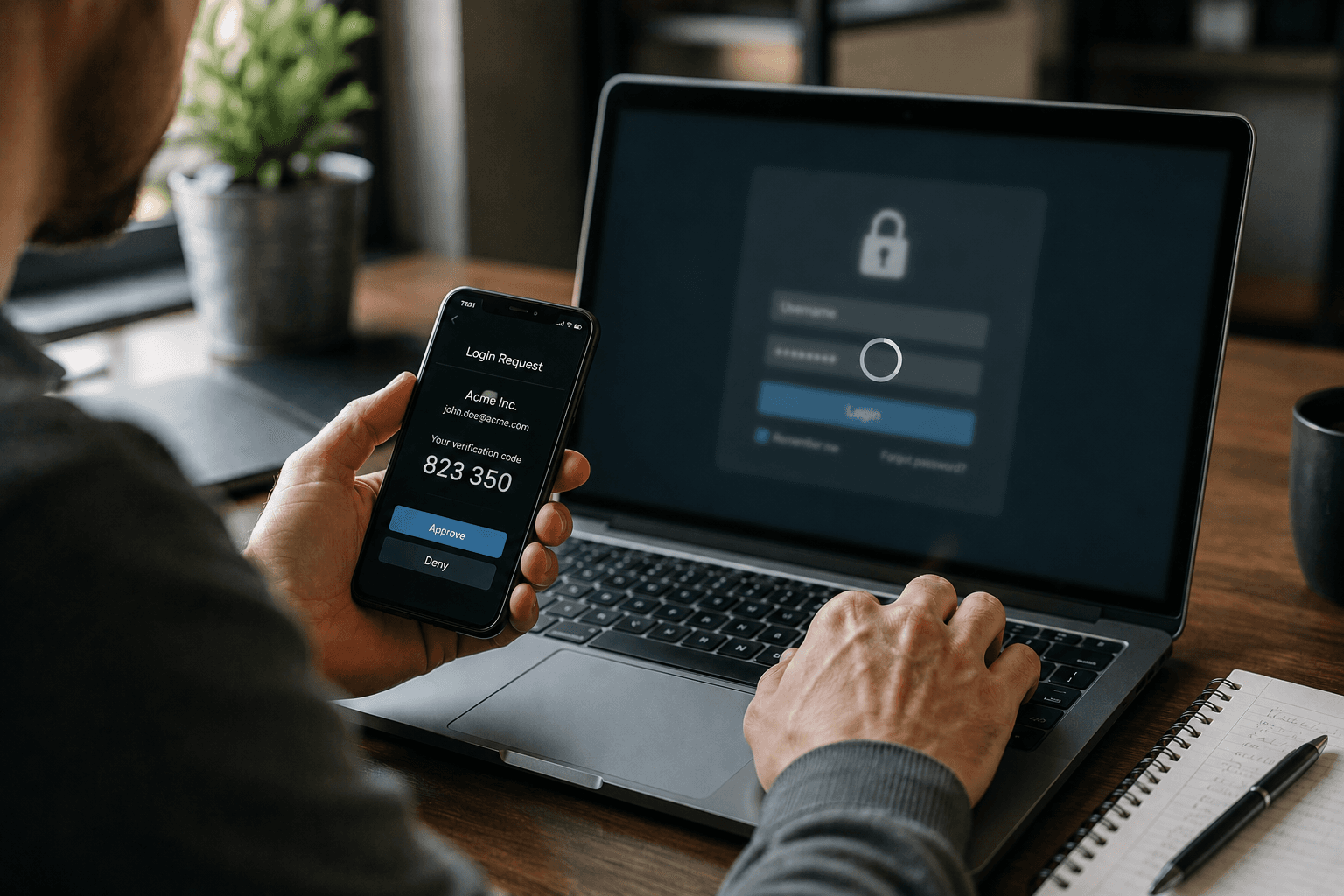
If whatever account you have supports 2FA, then you should use it, as doing so will give you time to react if someone tries to access your account because even if they guess your password they will still need your cellphone to be able to gain access to your account.
For instance, on your Google account you can use 2FA. This means that if someone gets your password, they can't gain access to your account unless they get your phone from you. Doing this will allow you the time to change your password for that account and will reduce the damage they will be able to do.
Have strong passwords
When you first create an account for whatever service or product it is, make sure that the password you use is unique to some degree and that you will have some way of remembering it. You can remember it by writing it down, but that is a bit problematic as then it means that you must take that everywhere with you.
Choosing an online password manager, such as Google Password Manager, is your best option. Some require payment, but the added security is worthwhile. Some of the programs you buy can even give you secure passwords to use for each website, which can be very helpful if you can't come up with a strong password to use.