
A plain-English explanation of the components and decisions involved in smartphone gate access.
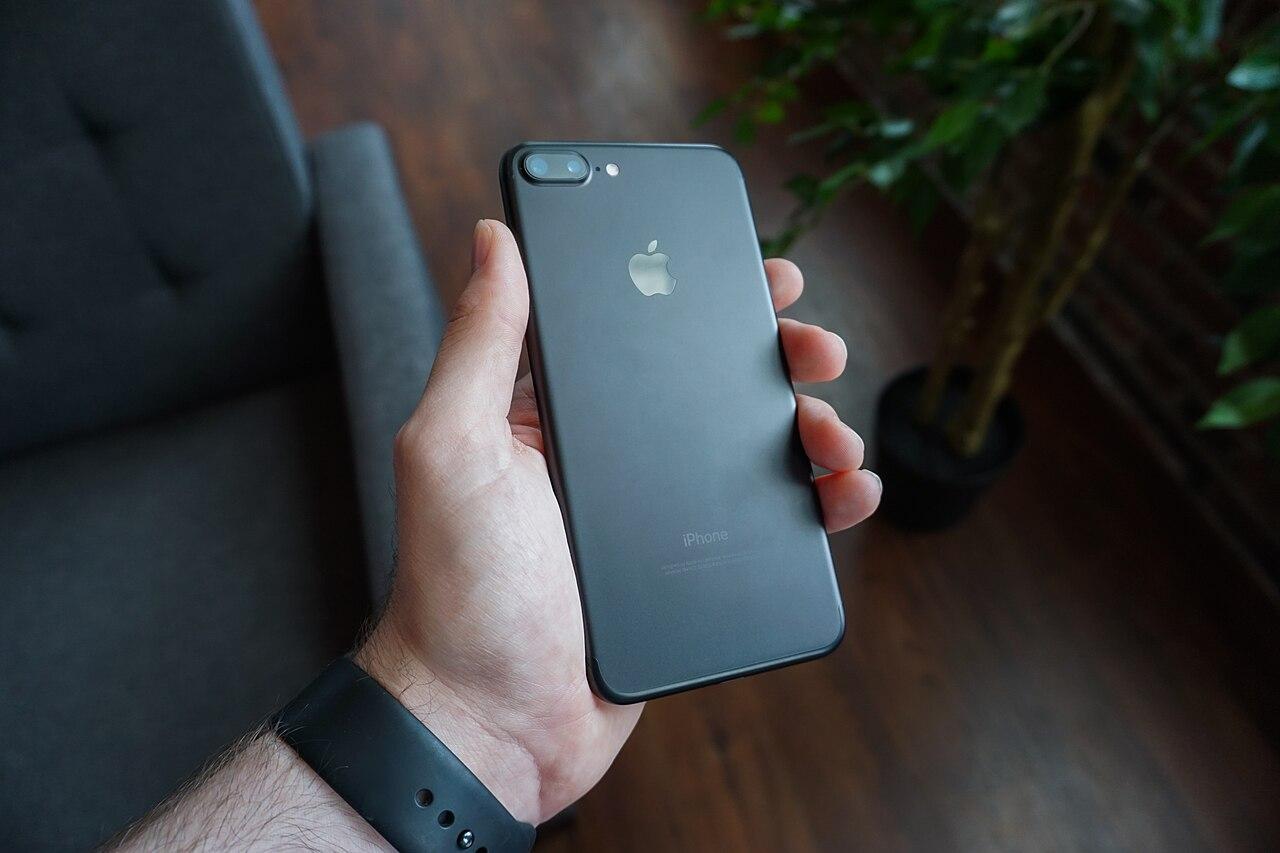
Smartphone gate access control lets an authorised person request operation of a compatible electrically controlled entrance from a phone. In a local Bluetooth arrangement, the phone, mobile app, receiver and existing gate-control equipment each have a separate job. The phone provides the user interface; the receiver is connected to compatible equipment; and the gate motor or control board performs the physical movement. It is not a universal replacement for every gate remote or motor, and compatibility must be assessed for the property.
What the phone and app do
The app is where a user signs in and asks for an action. A phone is useful because it is already carried by most residents, but it also introduces responsibilities: the screen lock, operating system, app permissions and account details need sensible protection. General access-control principles do not establish how a particular app enrols users, shares access or recovers an account; those points require current product documentation.
Bluetooth in a local access system
Bluetooth is short-range radio technology. It can allow a phone and receiver to communicate when they are within reliable working conditions. It is not the same as internet-based remote control. Effective range varies with the phone, receiver placement, walls, metal gates, vehicles and nearby radio activity. Bluetooth SIG explains that path loss is affected by the environment, so a single distance should not be promised for every driveway or complex.
From opening the app to gate movement
- The user approaches the entrance and opens the relevant app.
- The phone attempts to communicate with the nearby receiver.
- If the product’s checks and the local connection succeed, the receiver sends the appropriate control signal to compatible gate equipment.
- The gate-control equipment responds according to its installation and safety configuration.
This sequence is conceptual. It does not imply automatic opening, a specific encryption method, fixed range or support for every gate motor. The receiver does not make an unsafe gate safe, and it should not bypass the motor’s existing safety devices.
The receiver and gate equipment
A receiver is not the gate motor. It is an additional component used with compatible electrically controlled equipment. Before installation, an installer should identify the motor or control board, existing remotes, available control inputs and safety features such as beams or interlocks. A physical space for a receiver is not evidence that electrical connection is appropriate. Current product instructions and an installer assessment matter more than assumptions based on another property.
How this differs from a physical remote
A conventional remote is usually simple: press its button and it sends a radio instruction to its paired receiver. A smartphone can make access administration part of an app and account, but it relies on a charged phone, supported software, Bluetooth availability and a working app. A remote can be left in a vehicle or handed to a visitor; a phone can be lost, replaced or unavailable. Neither approach is automatically safer. A household should choose the process it can administer reliably and keep a suitable alternative entry method.
South African household examples
For a family home, the practical question may be whether adults, older children, a domestic worker or a gardener need regular access. For a townhouse or small complex, the question may be who approves a contractor and how a changed resident is removed from the access process. Load-shedding and other power interruptions are also relevant: an access app cannot overcome a gate motor, battery backup or electrical fault. Ask the installer what the existing entrance does during a power problem and keep a safe, property-appropriate fallback.
Connectivity and installation
Test the normal arrival route rather than only standing beside the receiver. A phone inside a car, a steel gate, a boundary wall or a receiver installed in an enclosure can change the connection. If operation is intermittent, do not change gate wiring or disable safety devices. Check basic phone settings and documented permissions, then ask the installer to assess placement, power and the connected equipment. The support guidance and setup instructions are useful starting points, but they do not replace a site assessment.
Questions before choosing a system
- Which entrance is being controlled, and is its equipment compatible?
- Who installs the receiver and supports it after handover?
- Which phone platforms and app versions are currently supported?
- How are users added, removed or helped after losing a phone?
- What information is stored, and what privacy notice applies?
- What is the safe fallback if a phone, receiver or gate is unavailable?
Security and sensible limits
Wireless access should be one layer in a broader property-security approach. Protect phones with a screen lock, install app and operating-system updates, avoid sharing account credentials and review access when circumstances change. NIST’s Bluetooth security guidance recommends using the strongest available security options and taking care during pairing. These are general good practices, not claims about the implementation of any specific Bluelock product. For confirmed product behaviour, read how Bluelock works, check compatibility, and contact Bluelock before making an installation decision.