
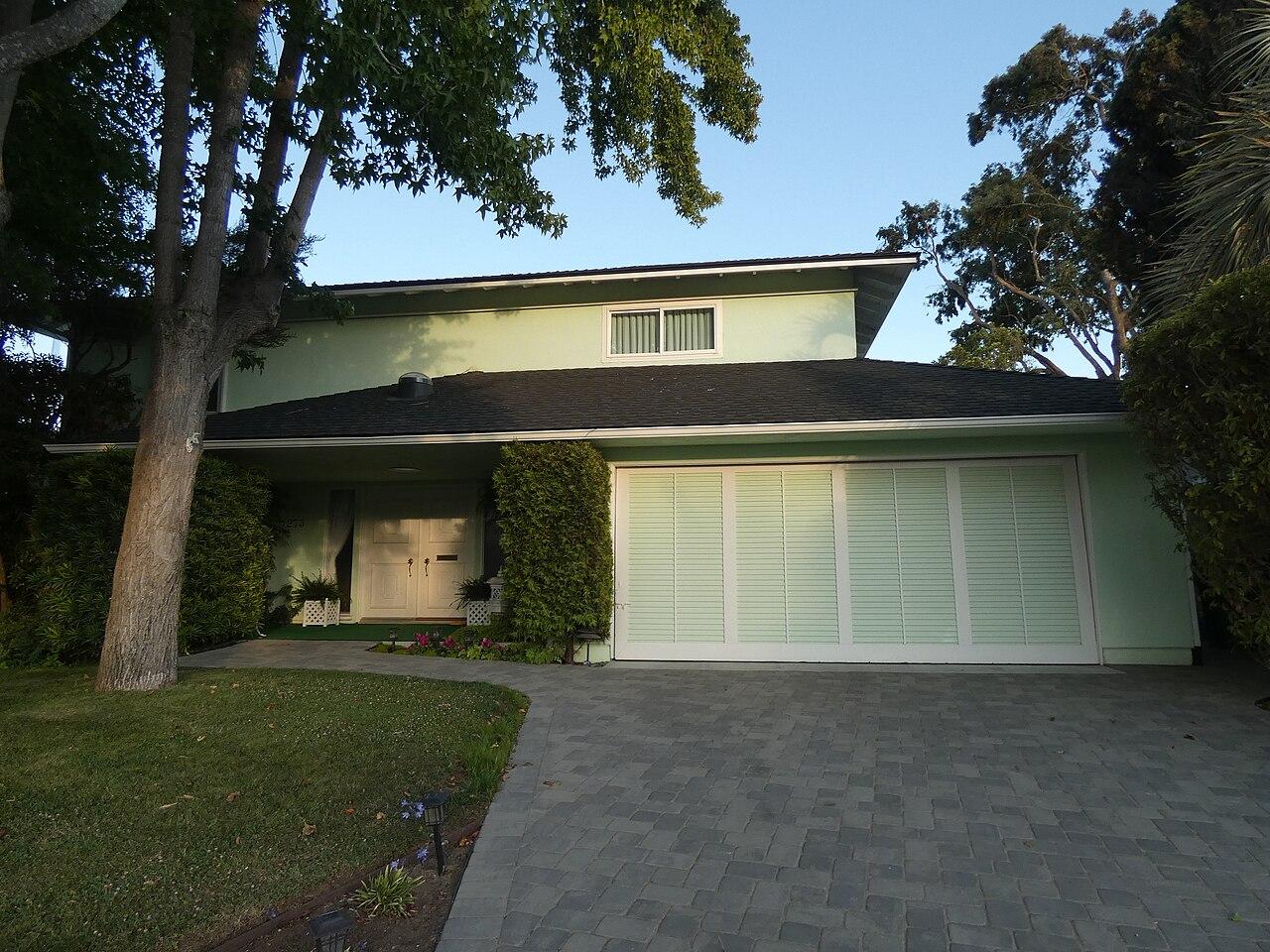
A property-first checklist for choosing an access solution without assuming a universal fit.
Choosing the right access solution starts with understanding the property: every entrance, the people who use it, the risks being managed and the equipment already installed. A busy shared gate, a private garage and a staff-only door may need different arrangements even when they are on the same site. Map daily movements and exceptions before selecting hardware or an app, then give a qualified installer a clear brief covering compatibility, power, administration and fallback access.
Walk the property and map every entrance
Begin at the boundary and follow the routes people actually take. Mark the main vehicle gate, pedestrian gate, garage door, reception entrance, delivery point and any internal door separating public, staff or residential areas. Record who owns each entrance and which motor, lock, intercom, receiver or controller currently operates it.
Do not treat all openings as one problem. A driveway gate may serve residents in vehicles throughout the day. A pedestrian gate may need intercom-assisted visitor entry. A garage could be private to one household, while the vehicle gate is shared by an entire complex. A back door used by staff or deliveries may require a separate approval process. Each point needs an appropriate user journey and safe fallback.
Design around a household’s ordinary week
For a free-standing home, list every regular driver and anyone who enters without them. Adults may carry phones or remotes; younger family members, older relatives or domestic workers may need a method suited to their circumstances. Decide how house sitters and occasional visitors will enter, and whether a delivery should be received by a person rather than given independent access.
Test assumptions against real moments: two vehicles arriving close together, a family member returning during load shedding, a flat phone, or somebody waiting outside in rain. Convenience at the main gate is useful only if the process remains understandable when the normal device is unavailable. Keep emergency contacts and an appropriate alternative entry method accessible to authorised people.
Shared entrances require shared governance
In a flat, apartment building or residential complex, an entrance is usually part of a wider operational system. Resident turnover, visitors, contractors, managing agents, guards and service providers can all affect access administration. Before proposing a change, identify who is authorised to approve equipment, wiring, user policies and expenditure.
South Africa’s Sectional Titles Schemes Management Act provides for bodies corporate to manage and regulate sections and common property. A resident should therefore not attach a personal access device to common-property equipment without the required approval. The scheme should document who adds and removes users, who supports residents and how handovers occur when trustees or managing agents change.
Landlords need a repeatable handover
A rental property changes users more often than many owner-occupied homes. The lease and handover process should identify which gates and doors the tenant may use, what credentials are issued, who may request additional access and what must happen at the end of the tenancy.
Digital permissions may reduce dependence on recovering a physical remote if the selected system supports identifiable users and removal. That is a general management benefit, not a promise of automatic deletion or expiry. The landlord still needs to verify that old permissions have been removed, collect physical devices where applicable and record the condition of remotes, receivers and entrance equipment.
Offices and small commercial premises
Map the working day rather than granting everyone the same access. Identify who opens the premises, who closes them, which staff enter after hours and how cleaners, maintenance teams and short-term contractors are handled. A shared vehicle gate may lead to separate tenant offices, stores or workshops with different responsibilities.
Access changes should form part of onboarding, role changes and departure procedures. When an employee leaves, the responsible manager should review digital permissions, cards, remotes, PINs and keys together. Visitor reception and delivery access should not rely on distributing permanent credentials merely because that is administratively easy.
Multiple entrances need one plan, not one assumed device
A property with a driveway gate, pedestrian entrance and garage should document all three control points, but it should not assume that one receiver operates them all. Each entrance may have a different controller, power source, safety arrangement, ownership and group of users. Ask the installer to state which device controls which point and how users distinguish between them.
Check whether the existing installation is ready
Before smartphone access or another interface is added, record the make and model of each motor, control board, electronic lock and existing receiver. A qualified installer should confirm suitable control inputs, available power, cable routes and the condition of safety beams, interlocks and backup equipment. A spare terminal or empty enclosure space does not prove compatibility.
Receiver position affects wiring protection, maintenance and wireless performance. Outdoor or exposed areas bring heat, moisture, insects, dust and tampering risks, but this article cannot establish an environmental rating for a particular product. Use current documentation, the Bluelock compatibility page and the receiver instructions; ask the installer about anything the published material does not resolve.
Plan for lost devices, outages and emergencies
Write down what happens when a phone is lost, a remote is damaged, a user is removed or the administrator is unavailable. Product recovery processes differ, so do not assume that replacing a phone or deleting an app cancels access. The Bluelock support guidance identifies confirmed steps and matters that still require direct assistance.
During a power outage, operation depends on the motor, controller, access device and any network equipment required by the chosen arrangement. Confirm which components have maintained backup power and how authorised people enter safely when normal operation fails. Emergency access must respect gate safety equipment; it should not depend on improvised wiring or bypassing protective controls.
Property assessment checklist
- How many vehicle, pedestrian, garage and internal entrances are in scope?
- Who owns and may authorise changes to each entrance?
- Which residents, tenants, staff and administrators need regular access?
- How will visitors, deliveries, domestic workers and contractors enter?
- What motors, locks, controllers, receivers and intercoms are installed?
- Which users need access to one entrance rather than the whole property?
- What power, backup-power and connectivity conditions exist at each point?
- Who grants, reviews and removes permissions or physical credentials?
- What happens after a lost phone, remote, card, key or PIN?
- Which equipment is exposed to weather, dirt or tampering?
- Who maintains the entrance hardware and supports the access system?
- What safe backup method works during equipment or power failure?
Turn the assessment into an installation brief
Give the installer a marked entrance list, equipment details, user groups, expected workflows and failure scenarios. Ask for written confirmation of compatibility, the device assigned to each control point, required supporting work, testing, handover documents and ongoing support. Use How Bluelock Works and the Bluelock FAQ to separate documented capabilities from assumptions.
Professional advice is needed where ownership is shared, equipment documentation is missing, electrical compatibility is unclear or safety systems may be affected. The right solution is the one that fits the property’s real movements and responsibilities, not a generic package copied from a different site.